Design & AI Workflow
Claude Design vs Figma Make: What We Learned
By Entify design team
·
5 min read
·
5/29/2026
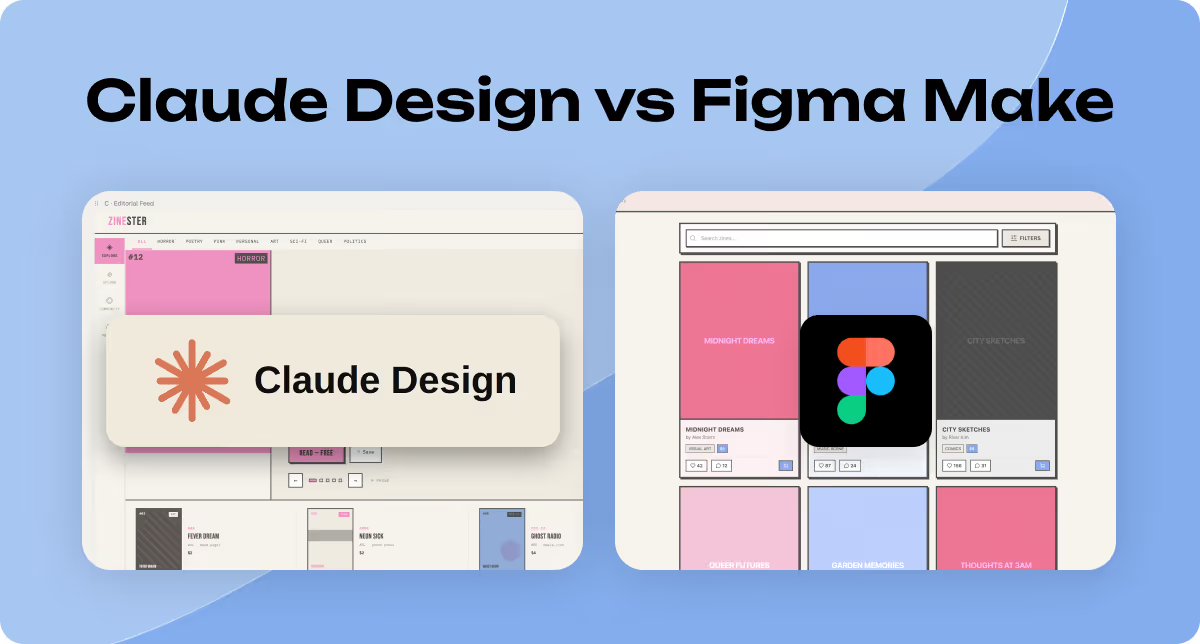
Design exploration used to be expensive. Multiple rounds of concepts, each one hours of work, just to find out a client wanted to go a completely different direction. AI tools have changed that — and now the question isn't whether to use them, but which one to reach for. We ran Claude Design and Figma Make through an identical brief to find out. Here's what actually happened.
What We Learned (The Short Version)
These tools aren't really competing. They belong at different stages.
Use Claude Design for early UX and UI exploration — when you're still narrowing down direction, need varied options to compare, and want precise control over feedback.
Use Figma Make for interactive prototyping — once the high-level design decisions are made and you need something you can actually click through and evaluate.
The workflow: Claude Design to find the direction. Figma Make to feel whether it's right.
The detail below explains how we got there — and the usage cap that will catch you off guard if you don't plan for it.
Why We Ran This Test
Figma Make has been on the market for about a year. Claude Design launched recently. And Figma's direct competitor to Claude Design — Figma Agent — is currently in limited access. We haven't gotten in yet.
So we tested what we could. Same brief, both tools, honest results. When Figma Agent opens up, we'll run the same test again. For now, here's what the comparison that's actually possible looks like.
Quick design iterations help product teams decide which direction is worth investing in. What's changed is that AI tools have made those iterations significantly faster — reducing what used to be heavy-lifting work into something a small team can do without burning through a sprint.
How We Set Up the Test
We used an identical prompt as input for both tools. Same context. Same user stories. Same scope. We held the brief constant so any differences in output were down to the tool, not the prompt.
We evaluated across four areas: usability (how easy it is to get what you want), versatility (how well each tool generates varied options), accuracy (how well each takes feedback), and AI token cost
What Happened
Usability
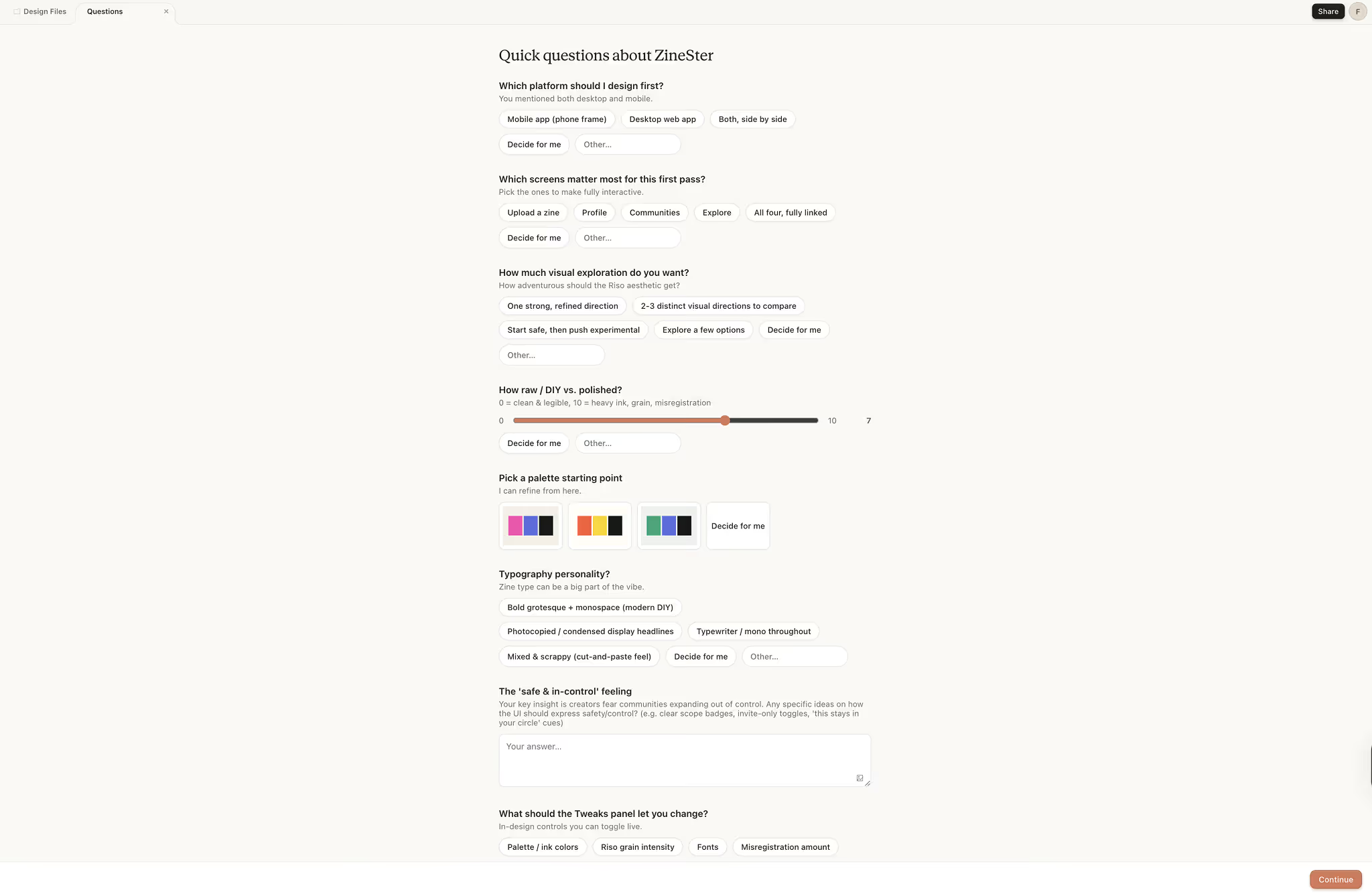
Claude Design starts with a conversation. Before generating anything, it asks about unclear areas in the brief — narrowing scope, surfacing assumptions, reducing the chance of first outputs that miss the mark. It felt slower to start. But the first outputs were noticeably closer to what we were after.
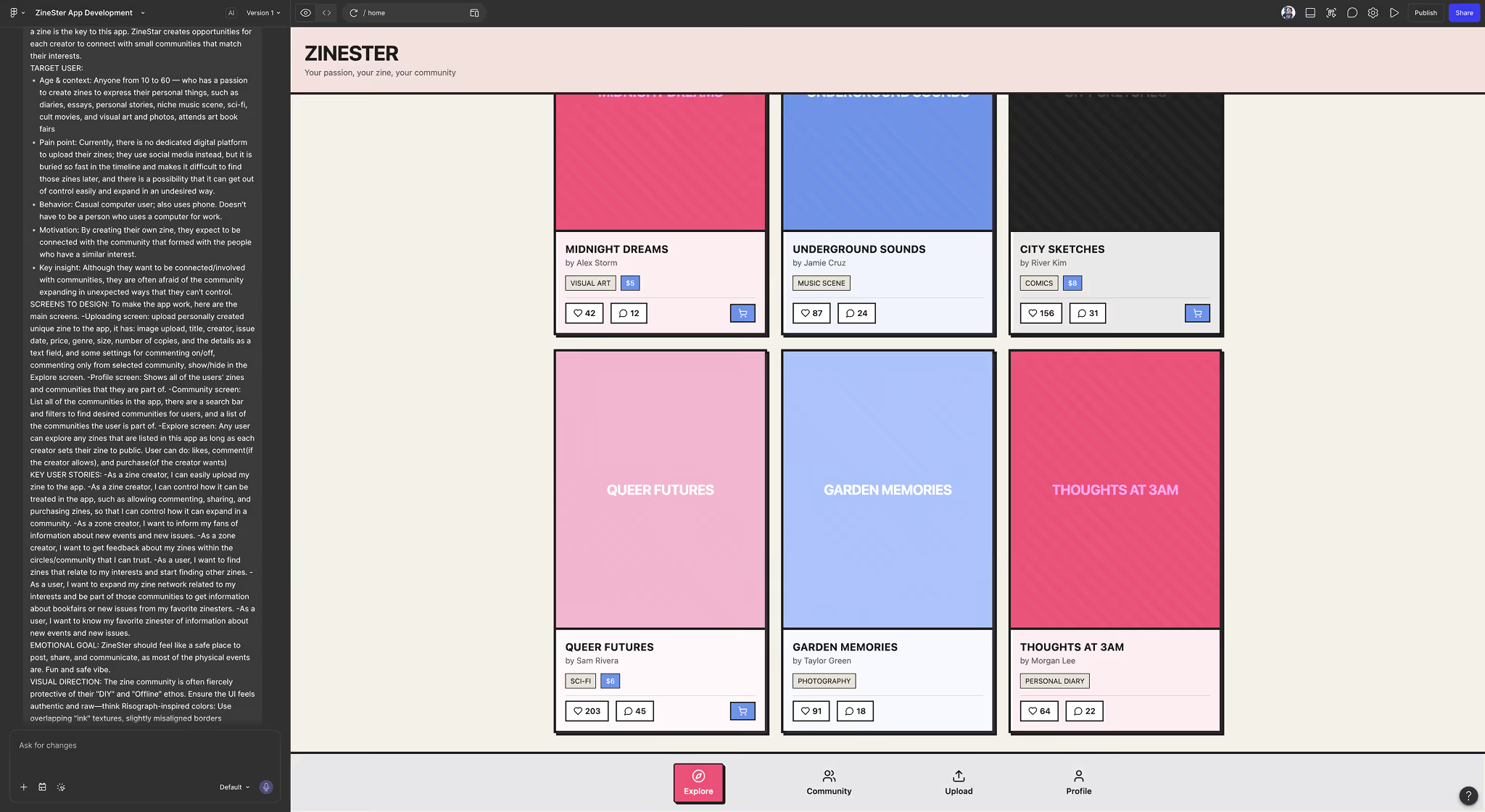
Figma Make takes your prompt and runs. There's something genuinely exciting about that — you're in the design within seconds. The tradeoff is that the tool commits to a single interpretation of the brief without asking whether that interpretation is right. You're left with a feeling that other directions existed and weren't explored.
Versatility
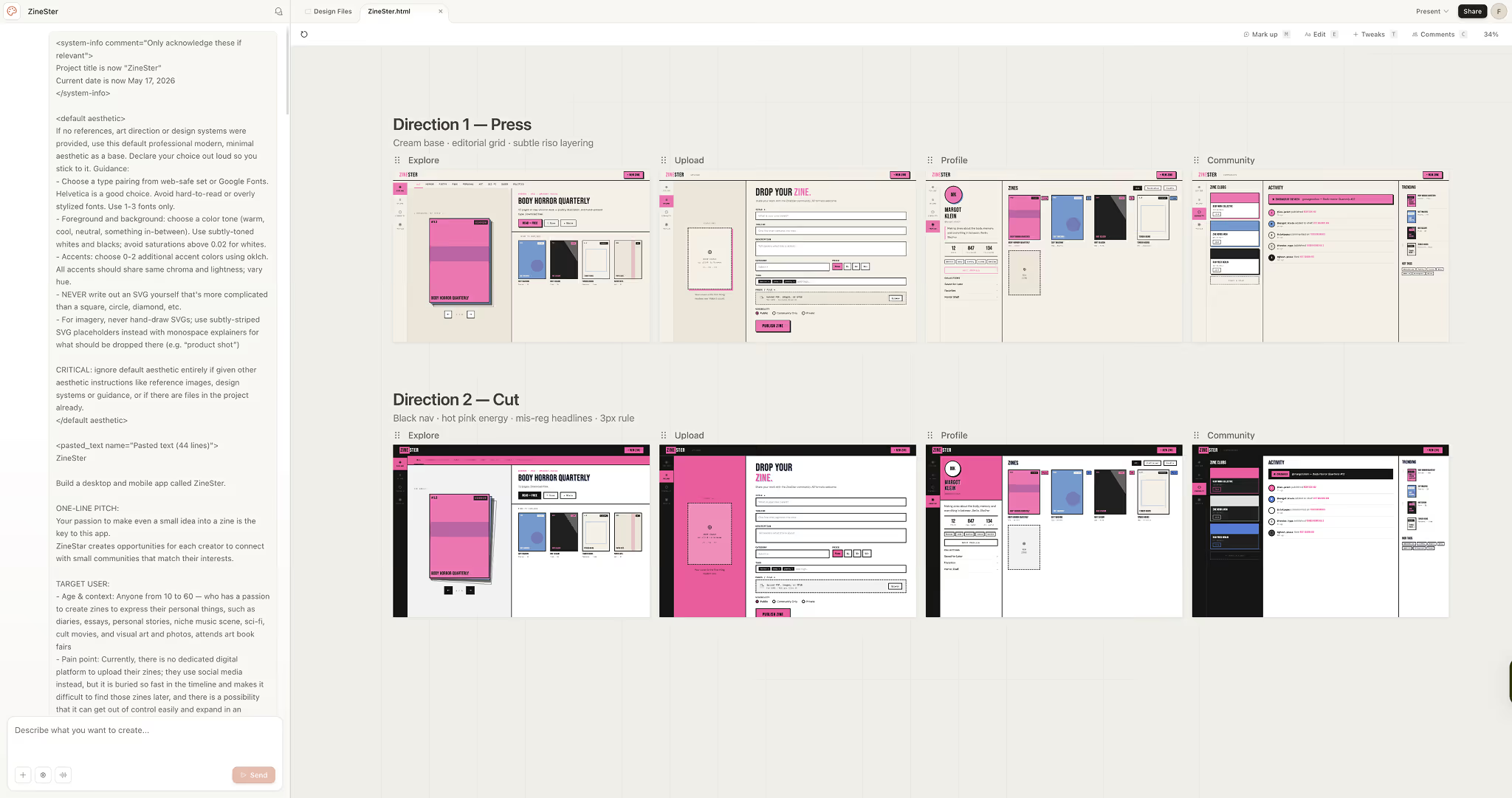
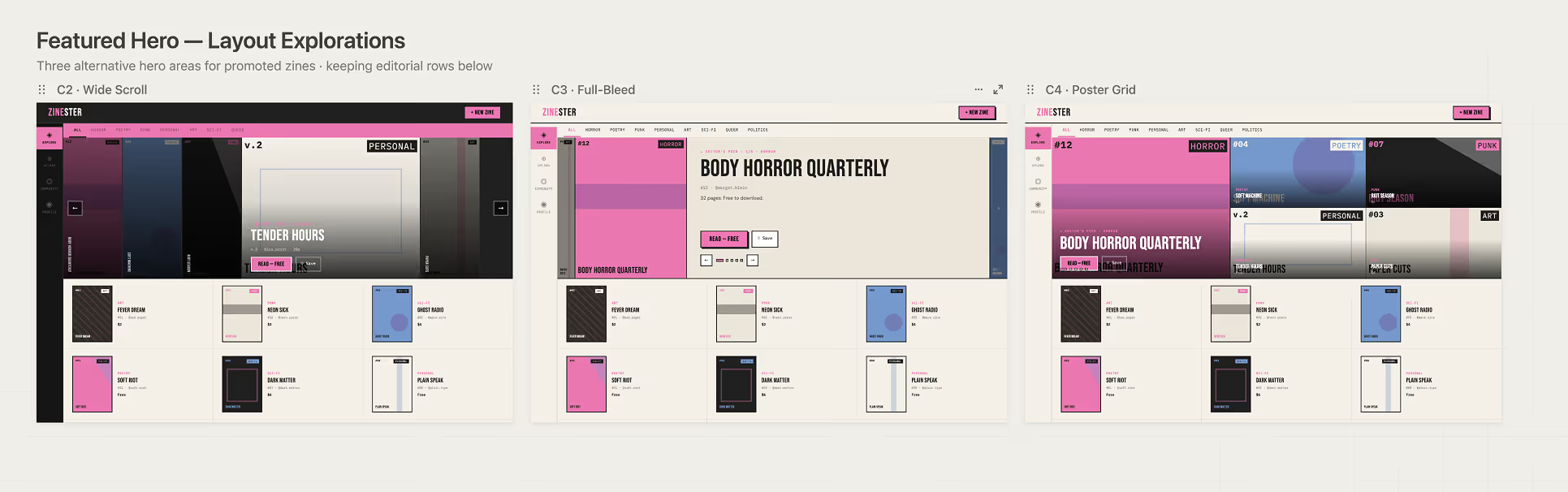
One of the more practical differences: Claude Design lets you specify how many design variations you want. If you're cost-conscious — and you should be, more on that below — being able to say "give me three options" instead of ten matters. You're in control of the output scope.
Figma Make produces one idea. If you want something different, you ask again. For some workflows that's workable. For early-stage exploration where the whole point is comparative options, we found it limiting.
Feedback Accuracy
With any AI design tool, the output is never perfectly what you imagined — it's close, or it's in the right direction, but something is always slightly off. That's expected. What separates tools at this stage is how precisely you can point to the problem and ask for a change. The easier that is, the faster the iteration loop.
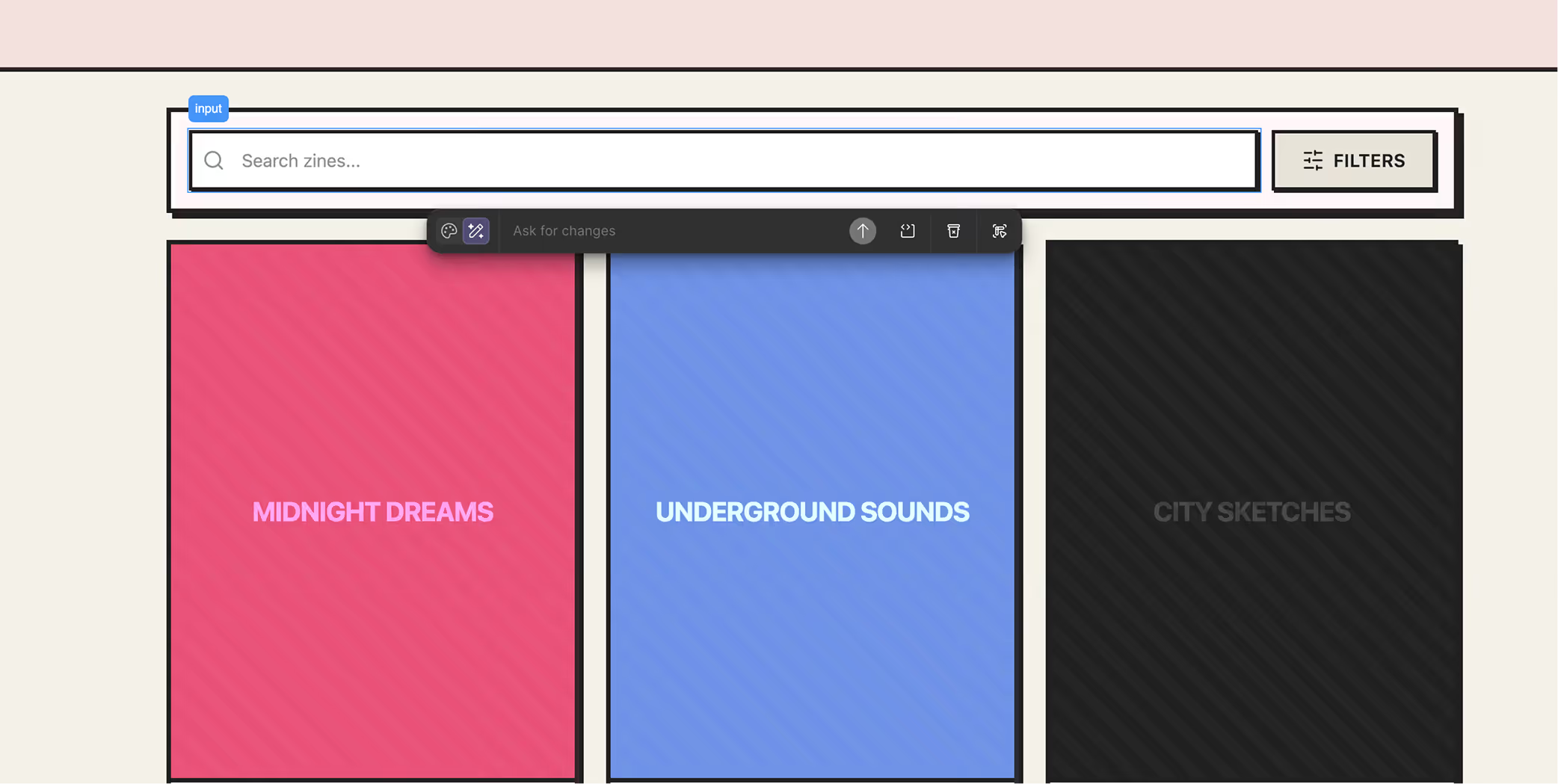
Claude Design uses Markdown to specify changes — and you can annotate directly on the design by drawing a circle, a line, or pointing at a specific area. That's close to how designers actually communicate in a review. It's expressive.
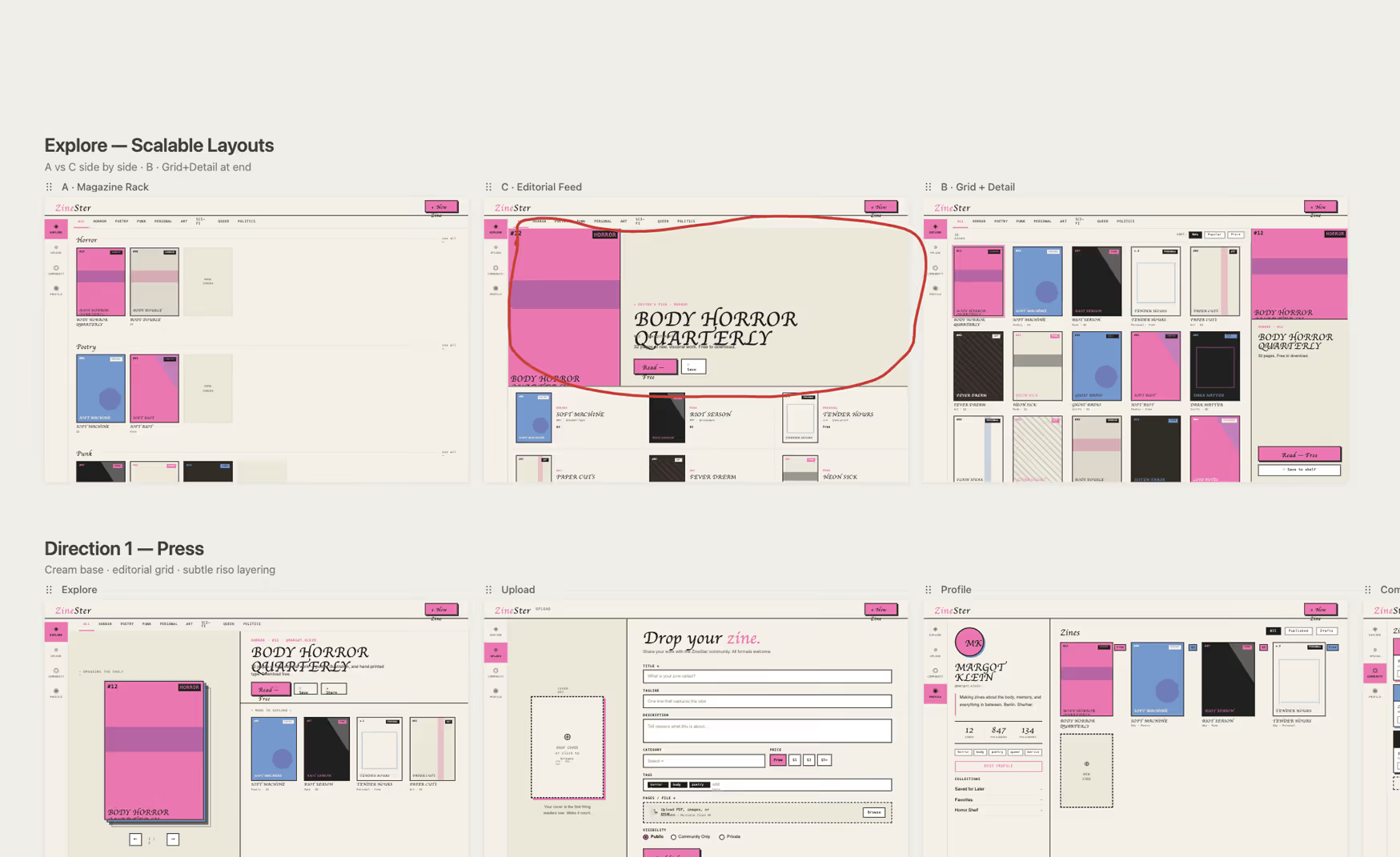
Figma Make lets you select a frame or div box to focus feedback. That works. But there's no freehand annotation, no way to sketch a note the way you would in a real design crit. The feedback channel is narrower.
AI Token Cost
Claude Design's token usage is high — especially on the first run, when it reads through all the materials you've provided. Switching to the Haiku model reduced usage somewhat, but not enough to make a dramatic difference on a full exploration session.
Figma Make uses fewer tokens for the same task. But we hit a wall that caught us mid-project: once you reach the monthly usage limit, the tool stops. Completely. There's no option to add more capacity. You wait for the next billing period. That's a hard constraint in a client sprint where timing isn't flexible.
What This Revealed
The test confirmed what the summary above suggests — but with more texture.
Claude Design's higher token cost is real, but so is the cost of generating outputs that miss the brief entirely. The onboarding conversation and annotation tools reduce that waste. For early exploration, that tradeoff is worth it.
Figma Make's speed and lower cost per session make it genuinely well-suited to later-stage work — but the hard monthly cap changes the calculus. If you're running multiple projects, you will hit it. Plan the handoff from Claude Design to Figma Make before that happens, not after.
An Honest Reflection
We started this test expecting one tool to be clearly better. What we found instead was two tools with different strengths — and a much clearer sense of where each one belongs in the process.
The comparison we actually want to run is Claude Design vs Figma Agent. That's the head-to-head Figma intended. We're on the limited access waitlist, and when we get in, we'll run the same brief and share what we find. It's possible that changes everything we've written here.
For now, this is the honest version of the test we could actually do.
What tool are you using for early-stage design exploration — and what's the limitation you've run into that nobody talks about?
You'll know when your product doesn't feels right. The question is whether you have someone who knows how to build one. Learn more about our design approaches at entifydesign.com/our-works.