Design & AI Workflow
Implementing Lull with Claude Code
By Entify design team
·
5 min read
·
5/20/2026
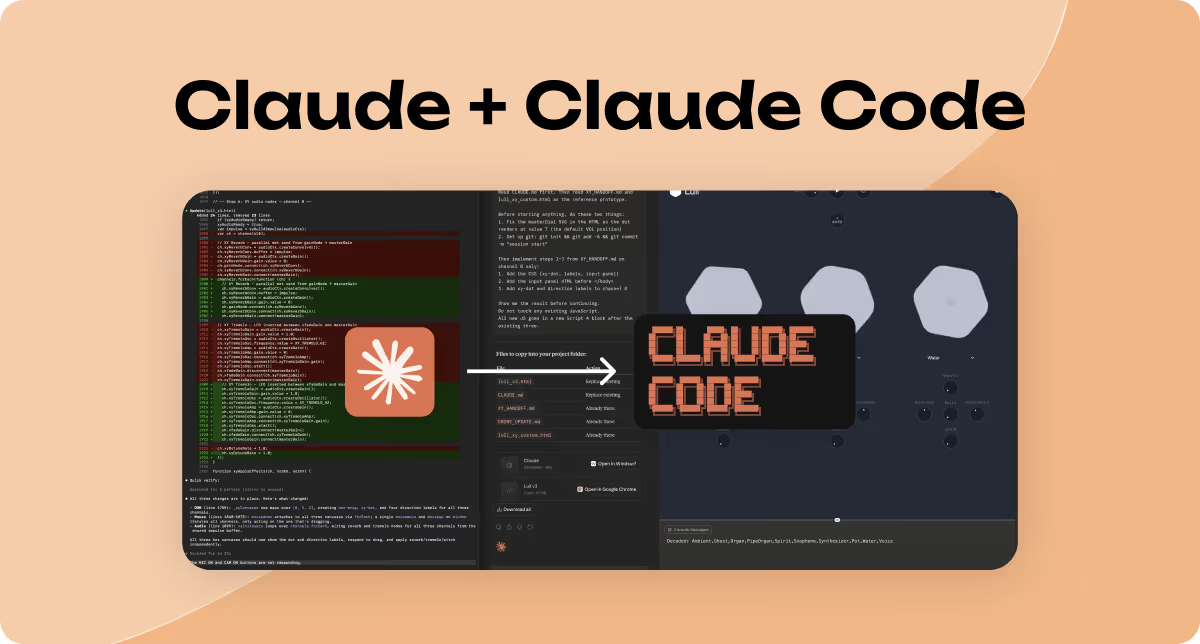
Part 4 of the Lull build series — the production phase, the workaround that worked, and what it taught me about designing in the age of AI.
If you've read the previous articles in this series, you know that building Lull hasn't been a clean, linear process. There were mistakes with Claude Design. There were detours. There were moments where my original plan met reality and didn't survive the collision.
This article is about the production phase — how I used Claude Chat and Claude Code together to build Lull, what workflow I landed on, and what I think it means for designers who want to build.
The Original Plan
My plan going into the Claude Code phase was simple: take the finalized designs from Claude Design, hand them off to Claude Code, and build.
Designer hands off to developer. Except I was both. And I had a suite of AI tools that were supposed to make that seamless.
The reality was more complicated.
As I described in the previous article, Claude Design doesn't currently support Figma MCP. This meant it couldn't directly read my Figma files — the mockups, the design system, the component variables I'd spent time specifying. Getting Claude Design to produce accurate implementations of those designs took significantly more back-and-forth than expected.
So before I even got to Claude Code, I needed a different approach to the handoff.
The Workaround: Using Claude Chat as a Bridge
Here's what I figured out: Claude Chat supports Figma MCP. That's the key.
Instead of trying to push my Figma files through Claude Design, I brought them into Claude Chat. I exported my design mockups and design system variables as JSON files and fed them directly to Claude Chat. Then I asked Claude Chat to do two things:
- Understand my Figma files — the screens, the components, the design system, the interactions
- Translate that understanding into a format Claude Code can read and work from
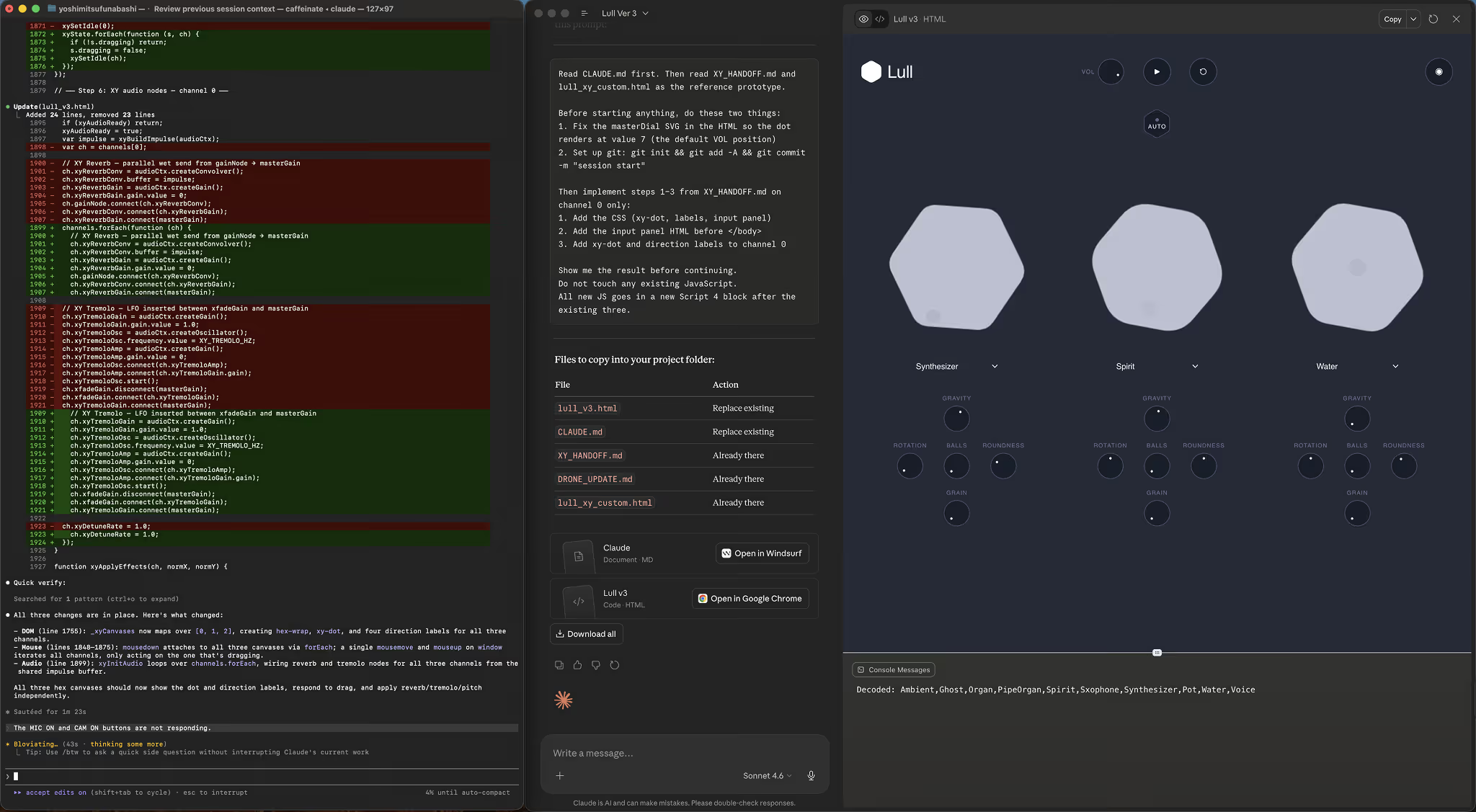
What Claude Chat produced was a handoff package: prototype HTMLs representing my screens, a CLAUDE.md file providing project context, and a HANDOFF.md document capturing design decisions, component behavior, and intent.
That package became the foundation Claude Code built from.
Why This Matters
The practical implication: if you have final designs, you may be able to skip Claude Design entirely and go straight from Figma to Claude Code via Claude Chat
This workflow changed how I think about the tools and their roles.
Claude Design is built for creative work. It's exceptional when you're starting from a concept — when you have ideas but not final decisions, when you need to explore visual directions, when the creative work is still ahead of you. In that context, it functions the way a thoughtful human designer would: generating options, making choices, building a visual language.
But if you've already done that creative work — if you have final Figma mockups, a defined design system, a clear specification — then the bottleneck isn't creativity. It's translation. And Claude Chat, with Figma MCP, can handle that translation.
The practical implication: if you have final designs, you may be able to skip Claude Design entirely and go straight from Figma to Claude Code via Claude Chat.
This isn't a criticism of Claude Design. It's an honest map of where each tool is useful. The right tool depends on where you are in your process.
How Claude Code Works in Practice
Claude Code doesn't take your handoff package and produce a finished product. What it does is work with you, step by step.
A word on what it's actually like to build with Claude Code, because I think the reality is different from what people expect.
Claude Code doesn't take your handoff package and produce a finished product. What it does is work with you, step by step. It proposes what it's about to implement, builds it, and then waits for you to review and confirm before continuing. For complex features, this cycle repeats — propose, build, confirm, next step.
At first, this might feel slow. It isn't.
What it actually does is keep you in control at every stage. You're never waiting on a black box. You're never surprised by a large batch of changes you have to untangle. You see the work as it accumulates, and you make decisions along the way.
For a solo designer building a production product, this is the right tempo. I could catch misinterpretations early. I could redirect before they compounded. I could build confidence in what was being shipped, step by step, before moving to the next thing.
The Handoff Package: A Practical Template
The single most useful thing I'd recommend to anyone attempting this workflow is to invest in the handoff package before Claude Code writes a single line of production code.
Ask Claude Chat (with Figma MCP connected) to prepare:
Prototype HTMLs
Working HTML representations of your key screens. These give Claude Code something concrete to reference — not just a description, but an actual rendering of the design intent.
CLAUDE.md
Project context. What is this? What's the tech stack? What are the constraints? What are the goals? This is the document Claude Code will reference throughout the build to stay oriented.
HANDOFF.md
Design decisions and component behavior. This is where you capture the things that aren't obvious from looking at a screen: why an interaction works the way it does, what a component should do in edge cases, what the design system principles are. The things a developer would ask a designer in a real handoff meeting.
With this package in place, Claude Code has what it needs. The build is smoother. You re-explain less. The gap between what you designed and what gets built is smaller.
What I Built
The result of this process is Lull — an ambient music app designed to help people find focus, calm, or sleep through layered, customizable soundscapes.
I built it as a solo designer. No engineering team. Claude Chat handled the design translation and handoff. Claude Code handled the production build. I stayed in the loop the entire time, confirming each step before the next one began.
Is it perfect? No. There are things I'd do differently. But it's real, it works, and it reflects the design I intended. That's not nothing.
Try Lull at lull.entifydesign.com and send us feedback. We're actively developing it and want to hear what you think.
Read the full Lull build series at entifydesign.com.