Design & AI Workflow
We Tested Figma Agent On a Real Design System. Here's What Actually Happened.
By Entify design team
·
5 min read
·
6/16/2026
Design systems exist for one reason: consistency. When everyone on a team — designers, engineers, even AI tools — draws from the same source of truth, the product holds together. The moment something starts improvising outside the system, you're paying for it later.
So when Figma Agent launched with the ability to connect to a design system, we had one question: does it actually follow it? Not in a demo environment with one component and a clean prompt. In a real system, with real variables, with real edge cases — the kind of thing a working design team deals with every day.
We ran the test. The results were instructive. And some of them were a little alarming.
What We Set Up
We built a reference mockup manually using our own design system: components pulled from our component library, colors applied from our variable sets, typography tokens mapped correctly throughout. The kind of output that goes straight to a developer without a conversion layer.
Then we asked Figma Agent to generate a few design variations from it.
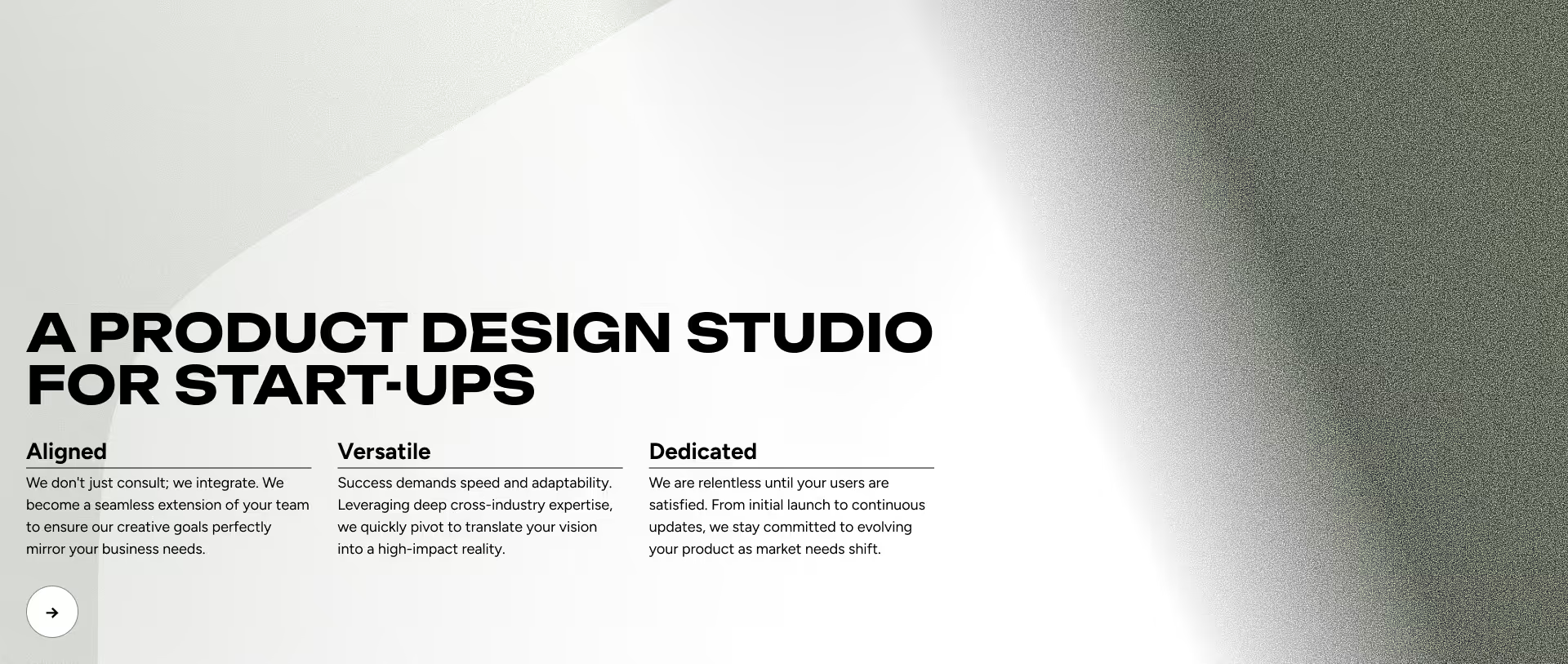
First, we let it run without constraints. It improvised freely — new colors, components that weren't from our system, layouts that had no relationship to our tokens. For a beta tool, this wasn't surprising. But it confirmed the default behavior leans toward generation over governance.
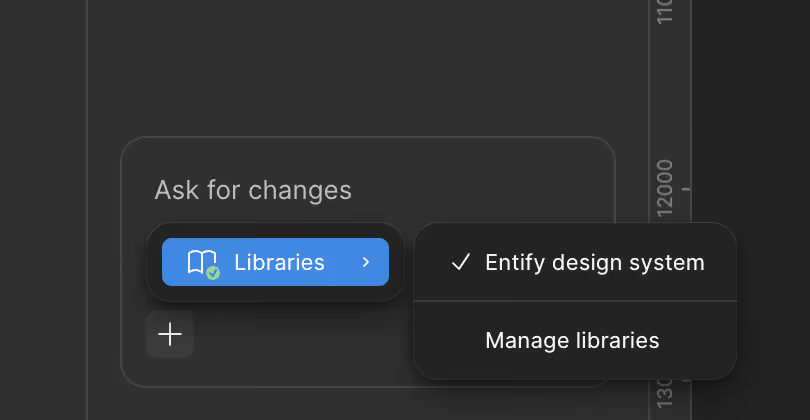
Then we told it explicitly to use our design system. Figma Agent lets you select a connected library, which is a meaningful feature. We connected ours and asked it to stick to it.
What Figma Agent Got Right (and Where It Started Drifting)
With the design system connected and the instruction in place, the results were better. But better-than-default is not the same as ready.
Button components: It selected one of our button variants. That's the expected behavior and it worked correctly — or so it appeared. The component itself was right. But Figma Agent reassigned the color tokens inside it: the button has specific variables mapped for background, border, and text, and it replaced them with different tokens from elsewhere in the system. The component was there. The token slots were there. It just filled them with the wrong values.
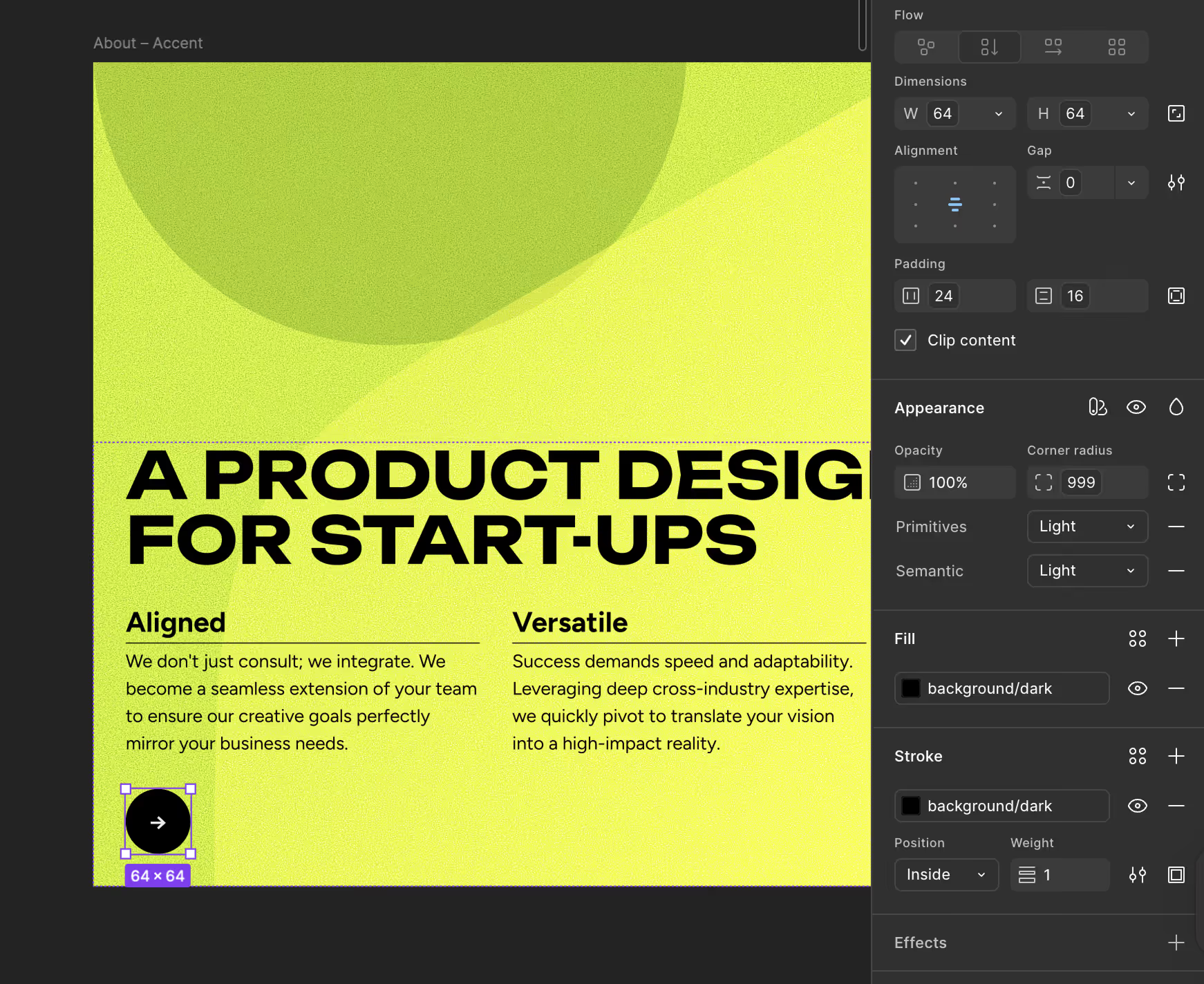
Typography variables: Mostly accurate. Font choices were pulled from our type variables in most cases. This was the strongest area of performance.
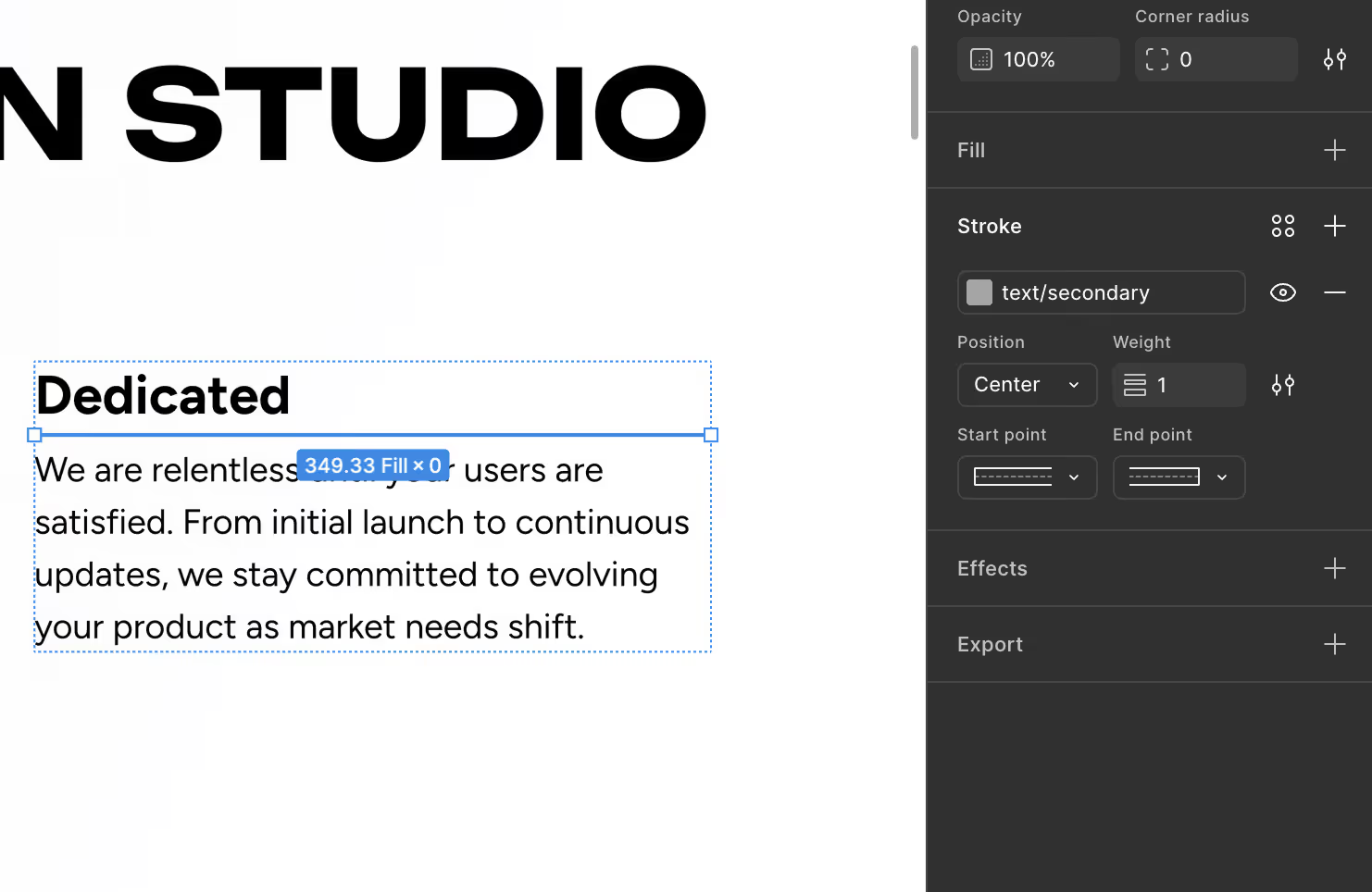
Color variables: This is where the button issue becomes a wider pattern. Across the generated mockups, Figma Agent didn't consistently use the tokens that were semantically correct for the context — it used tokens that were available. There's a difference. In one case, it applied a text color variable to a line separator, even though our system has dedicated border variables for exactly that purpose. The variables were there. It just didn't distinguish between what each category was for. A color might exist in your variable set as a text color, and Figma Agent will reach for it when it needs a stroke or fill on a graphic element. The value looks plausible. The reference is wrong. In a handoff, a developer implements what the file says, not what it was supposed to say — so broken token references become engineering debt even when the screen looks fine at a glance.
Accessibility — the most visible failure: One mockup applied an inverted color variable to a light background. The contrast ratio was bad enough that the content was genuinely difficult to read. This isn't a minor variable mismatch. It's the kind of thing that would fail a basic accessibility check.
Here's the part that matters: Figma Agent doesn't have visual awareness of the canvas. It can't see what it's generating the way a human looking at a screen can. Like Claude Code working in a codebase, it operates through logic and instruction — not perception. So it produced the low-contrast mockup, had no mechanism to recognize the problem, and moved on.

The Junior Designer Analogy (And Why It's Actually Useful)
When Figma Agent hits a situation that the design system doesn't obviously resolve, they start improvising.
Working with Figma Agent at this stage feels like working with a junior designer who is motivated, aware of the rules, and genuinely trying to do the right thing. They know the design system exists. They know they should use it. But when they hit a situation the system doesn't obviously resolve — a component they can't immediately find, a color that doesn't quite fit what they had in mind — they start improvising.
Sometimes the improvisation is fine. Sometimes it introduces problems that cost more to fix than they would have to avoid. And you can't tell which is which until you go through the work carefully.
This framing is useful because it clarifies what kind of oversight Figma Agent actually requires right now. It's not a tool you run and trust. It's a tool you run and review — the same way you would a junior designer's first pass on a component screen.
What This Means for Design Handoff
Figma Agent's outputs would require a full verification pass before being used in a real handoff.
Design system discipline matters most at handoff. When a developer implements a design, they implement what they're given. Hardcoded colors instead of token references, wrong semantic variables, components that look right but are technically unlinked from the system — all of this becomes engineering debt that traces back to the design file.
Figma Agent's outputs would require a full verification pass before being used in a real handoff: every component confirmed, every variable checked, every semantic choice reviewed. In our test, that process would have been significant. The generation step was fast. The review step would not be.
That balance may shift as the tool develops. But right now, we'd position Figma Agent as useful for generating rough exploration quickly — not for producing design-handoff-ready files.
What to Try If You're Testing It
If you're running your own tests with Figma Agent and a design system, a few things that would help you evaluate it more honestly:
- Check the variables panel, not just the canvas. The visual output can look correct while the underlying token references are broken. Always inspect the actual values.
- Test semantic variable categories deliberately. Give it a task that requires distinguishing between, say, a text color and a border color. See if it chooses correctly.
- Check contrast on generated outputs. Don't assume it will catch accessibility issues. It won't — at least not yet.
Where This Leaves Us
We're genuinely interested in where Figma Agent goes. The direction is right. The ability to connect a design system and apply variables at all is a real capability, not a gimmick. The beta label is appropriate, and we'd expect meaningful improvements.
For now, we treat it as a fast exploration tool that still needs a human designer in the loop — not behind it, but alongside it, checking the work.
What's your experience been? If you've tested Figma Agent with a production design system, we're curious what you found — especially the edge cases.
If you're thinking about design quality in your own product, it might be worth seeing how we handle it in practice at. entifydesign.com/our-works.